QR Codes for Nonprofits: Best Practices to Boost Donations, Events & Engagement in 2025
Introduction
QR codes have quietly become one of the highest-ROI tools in a nonprofit's marketing kit. They cost almost nothing to produce, work on every modern smartphone, and turn passive moments — a glance at a flyer, a pause at an event table, a paragraph in a direct-mail letter — into an instant action. But most nonprofits still use QR codes as an afterthought: pasted on a poster, pointing at a homepage, with no tracking and no follow-up.
In 2025, the organizations winning new donors and volunteers are treating QR codes like real campaign assets. Here are six best practices to make sure every scan moves your mission forward.
1. Place QR Codes Where Supporters Already Are
A QR code only works if people see it in the right moment. Think about where your supporters already pay attention — and meet them there:
- Event signage: banners, table tents, name badges, stage screens.
- Direct mail & appeal letters: next to the donation ask, not buried in a footer.
- Bulletins, programs & newsletters: printed pieces are the perfect QR home.
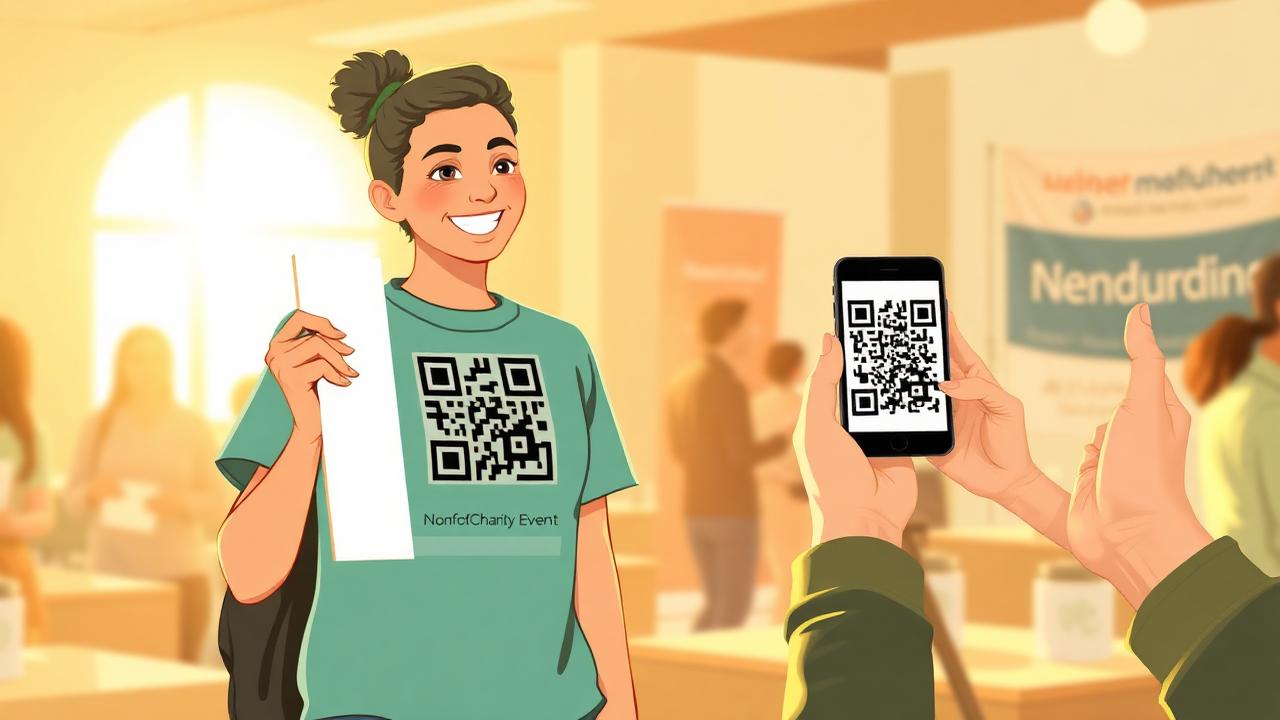
- Merch & vehicle decals: t-shirts, tote bags, van wraps, yard signs.
- Receipts & thank-you cards: turn a "thanks" into a follow-up action.
✅ Action Tip:
Audit every printed piece your nonprofit produces this quarter. If it doesn't have a QR code with a clear next step, it's leaving conversions on the table.
2. Always Link to a Mobile-Optimized Landing Page
The #1 mistake nonprofits make is sending QR scans to the homepage. A homepage is a menu — and a scanner is already past the menu. They want the thing.
Build a dedicated landing page for each campaign that:
- Loads in under 3 seconds on mobile.
- Has a single, obvious call-to-action above the fold.
- Uses large tap targets and minimal form fields.
- Matches the visual brand of the printed piece they just scanned.
✅ Action Tip:
Run your landing page through Google's PageSpeed Insights. Anything under 80 on mobile is costing you donors before they ever see your story.
3. Use Dynamic QR Codes — Not Static Ones
A static QR code permanently encodes a URL. Once printed on 5,000 brochures, you can never change it. A dynamic QR code points to a short redirect URL that you control — meaning you can update the destination, fix typos, or repurpose the campaign without reprinting a single thing.
Dynamic codes also unlock real analytics: scan counts, timestamps, location, and device type — the data you need to prove ROI to your board.
✅ Action Tip:
Never print a static QR code on anything that costs more than $50 to produce. The flexibility of a dynamic code pays for itself the first time a URL needs to change.
4. Track Every Scan With UTM Parameters
Even with a dynamic QR code, you should layer on UTM parameters so scans show up clearly in Google Analytics and your CRM. A simple tagging convention:
- utm_source: qr
- utm_medium: print, signage, mail, merch
- utm_campaign: giving-tuesday-2025, gala-table-tent, fall-appeal
With this in place, you can finally answer questions like: "Did the gala signage drive more donations than the mailer?" — and budget accordingly next year.
✅ Action Tip:
Standardize a UTM naming guide across your team. Inconsistent tagging is the #1 reason nonprofit analytics dashboards become unreadable.
5. Brand Your QR Codes So They Feel Trustworthy
A plain black-and-white QR code looks generic — and in a world of phishing scams, generic feels risky. Branded QR codes get scanned more because they signal legitimacy.
Best practices for branded codes:
- Use your brand colors (with enough contrast — aim for 40%+).
- Drop your logo or icon in the center.
- Try rounded modules or a custom frame to match your aesthetic.
- Test scan reliability on multiple devices before printing.
✅ Action Tip:
Always test a printed proof from across the room — not just on your monitor. Cameras need physical contrast, and a beautiful design that won't scan is just expensive ink.
6. Pair Every QR Code With a Clear Call-to-Action
A QR code by itself is a question mark. People need a reason to lift their phone. The CTA next to the code is what closes that gap.
Strong CTAs are specific and benefit-led:
- "Scan to donate $25 — feeds a family for a week."
- "Scan to RSVP to our Spring Gala in 30 seconds."
- "Scan to sign up for next Saturday's volunteer shift."
- "Scan to watch Maria's story (90 seconds)."
Avoid vague prompts like "Learn more" or "Visit our site" — they don't justify the friction of pulling out a phone.
✅ Action Tip:
Run an A/B test on two versions of the same printed piece — one with a vague CTA, one with a specific dollar-amount or time-bound CTA. The lift is almost always significant.
Closing
QR codes aren't a gimmick — they're the shortest distance between an offline moment and an online action. Done right, they turn every flyer, sign, and t-shirt into a measurable fundraising channel.
Causeio's QR module handles all of this in one place: dynamic codes, branded designs, automatic UTM tagging, and a real-time scan dashboard wired directly to your CRM. So when a donor scans a code at your gala, you don't just see the gift — you see the journey.